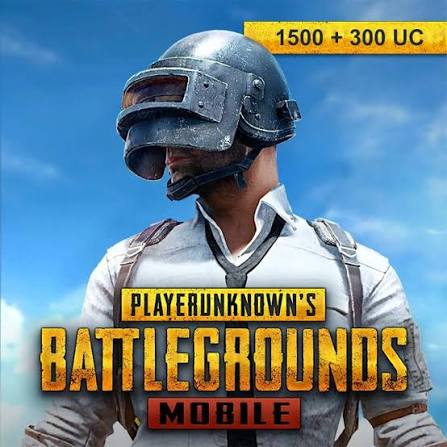
PUBG Parkour
Required base game: PUBG · TikFinity Desktop · OBS
A streaming panel and OBS overlay for PUBG with forward/backward, shield, lobby and WIN counters. Türkiye Map, Castle War, PUBG Parkour, Minecraft Auto-Build Arena, Palace Live and GTA V Summit Control Live: 6 games and streaming systems in one bundle. $30 buys 30 days of access. Install Windows products with the launcher; Türkiye Map and Castle War run in your browser. Required base games are separate. PUBG is a streaming panel and OBS overlay. Purchase again to renew; no automatic recurring charge.
Gallery & Videos
What do gifts do in the game?
7 interactionsExplore supported interactions below. Gift choices and quantities may vary with the streamer's mappings.
This product is a streaming panel and OBS overlay. Counters appear on stream; the streamer performs the game actions.
7 / 7
- Gül
- Increases the forward course counter.
- TikTok
- Increases the backward course counter.
- Eller Kalp
- Triggers a forward value of 100.
- Şapka
- Triggers a backward value of 100.
- Parfüm
- Increases the shield counter.
- G.O.A.T.
- Triggers the lobby return counter.
- Corgi
- Adds three wins.
Installation and support
Required base game: PUBG · TikFinity Desktop
The base game is purchased separately. The launcher installs the mod package; check the base game requirement below.
- Download and open CagiGames launcher on Windows 10/11.
- Sign in with your purchase account. Check My licenses; activate any separately provided code.
- Select the game in Library and Install. Wait for download and installation to finish.
- Select Open or Open panel after installation. Panels run on the PC where you installed the package.
Open PUBG and TikFinity Desktop. Start the panel from the launcher and add its broadcast screen as an OBS browser source. Counters manage the stream; you perform the in-game actions.
For help, send the game name and error message to support. Do not share passwords or license codes publicly.