
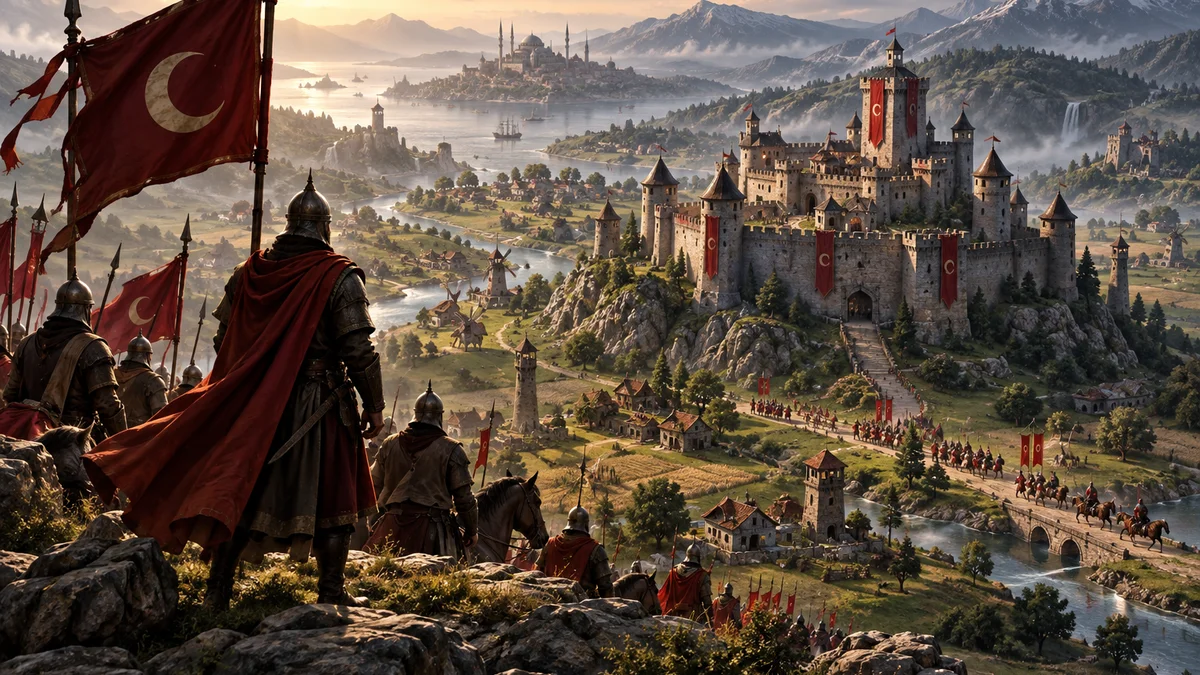
Sancak Live — Interactive Strategy
See the game in action
Real gameplay and panel walkthrough · Turkish audio, English subtitles
Sancak Live is CagiGames' standalone interactive strategy game. Viewers build their own kingdoms and grow armies and cities through gifts, likes and chat. As you guide the world, alliances, battles and unexpected comebacks create a story your audience helps shape. Install on your Windows PC through the CagiGames launcher. No separate base-game purchase is required. $30 provides 30 days of access.
Gallery & Videos
Cover illustration
What do gifts do in the game?
25 interactionsExplore supported interactions below. Gift choices and quantities may vary with the streamer's mappings.
25 / 25
- Viking Hammer
- Adds 1,000 infantry.
- Chasing the Dream
- Adds 1,000 archers.
- Whale Diving
- Adds 1,000 cavalry.
- G.O.A.T. Busker
- Adds 10 archers.
- Kale hediyesi
- The first castle establishes a country; later gifts improve the castle, gates and walls.
- Found a kingdom
- Creates a castle and settlement for a new viewer; supports an existing kingdom with resources.
- House
- Adds 1 house.
- Walls and gate
- Adds 5 defensive pieces; the first is a gate if one is missing.
- Infantry
- Adds 10 infantry.
- Archers
- Adds 10 archers.
- Cavalry
- Adds 10 cavalry.
- Battering ram
- Adds 1 ram to attack structures.
- Catapult
- Adds 1 ranged siege catapult.
- Bombard cannon
- Accumulated cannon coins grant a bombard cannon when the required amount is reached.
- Farmer
- Adds 1 worker and 1 farm.
- 10 farmers
- Adds 10 workers and 10 farms.
- Resource pack
- Adds 150 each of wood, food, stone and gold.
- Accumulated coin army
- Adds 1 infantry for every 10 accumulated coins.
- Upgrade castle
- Creates a castle on entry; later supports castle or defensive development according to the selected reward and kingdom state.
- Level 2 castle
- Raises the castle to at least level 2.
- Level 3 castle
- Raises the castle to level 3.
- Barracks
- Adds 1 building that regularly produces infantry.
- Archery range
- Adds 1 building that regularly produces archers.
- Stable
- Adds 1 building that regularly produces cavalry.
- Siege workshop
- Adds 1 building that regularly produces catapults.
Installation and support
No separate base game required.
- Download and open CagiGames launcher on Windows 10/11.
- Sign in with your purchase account. Check My licenses; activate any separately provided code.
- Select the game in Library and Install. Wait for download and installation to finish.
- Select Open or Open panel after installation. Panels run on the PC where you installed the package.
No separate base game is needed. Open the panel through the launcher and complete the stream settings.
For help, send the game name and error message to support. Do not share passwords or license codes publicly.